What’s Covered on This Page
What Determines PS5 HDMI Port Repair Cost
Most people think every broken HDMI port is the same repair. It isn’t. Two consoles can show the exact same symptom, a black screen with no signal. But the damage inside can be completely different.
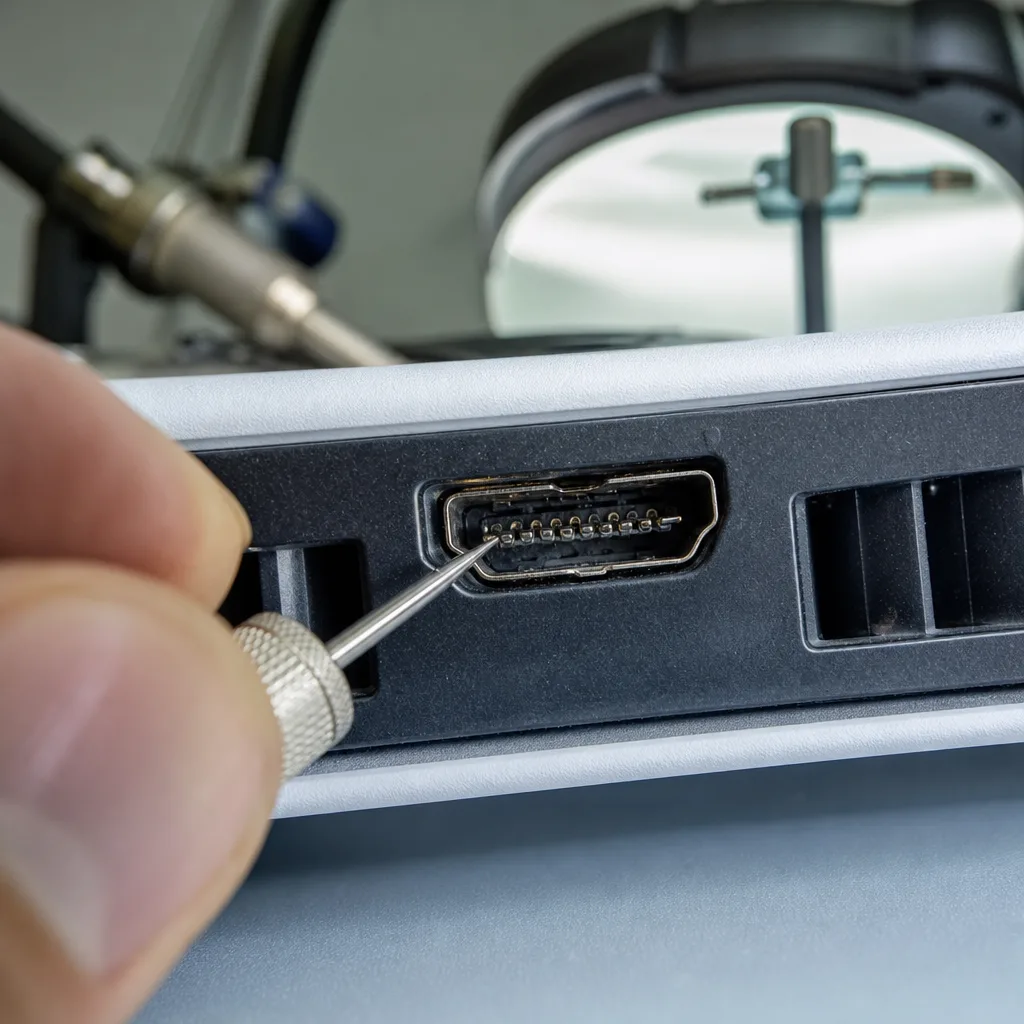
At Just Phone Repair & Electronics, we open the console before we give you a firm answer. That’s the only honest way to do it. Here’s what we’re looking at once the cover comes off.
- How bad the port damage is, from a few bent pins to a port that’s been ripped off the board
- Whether the solder pads under the port tore loose when it broke
- If the HDMI chip near the port got damaged, too
- Which PS5 you own, since the original, Slim, and Pro models use different board layouts
- Signs that someone already tried to fix it and made things worse
Bent pins are the easiest case. The port gets removed and a new one goes on. Torn pads are harder, since the board itself needs careful rebuilding before a new port can sit right.
And then there’s the HDMI chip. On many PS5 consoles, a small chip sits right behind the port and handles the video signal. A hard yank on the cable can damage it along with the port. So replacing just the port won’t bring your picture back. That chip needs testing, and sometimes it needs replacing too.
Past repair attempts change everything.
We see this all the time, a customer watched a video and tried a home fix with a cheap soldering iron. The intent was good, the result usually isn’t. Lifted pads, burned traces, and melted plastic turn a standard port job into board-level motherboard repair. That takes more time and more careful work.
Here’s a real example. A dad from Clintonville brought in his son’s PS5 last winter. The HDMI cable got tripped over during a game. He’d tried to swap the port himself after buying a kit online. By the time it reached our bench, three pads were gone and one trace was cut. We rebuilt the pads, ran a small jumper wire, and fitted a new port. The console worked fine after testing. But that was a much bigger job than it would’ve been on day one.
Skill matters too. HDMI port replacement is microsoldering work. The pins are tiny and packed close together. Too much heat can damage nearby parts. Not enough and the joints fail a few weeks later. A shop that rarely does this repair is a risky bet for your console.
Liquid damage is another wild card. A spilled drink near the console can cause corrosion around the port area. That corrosion has to be cleaned before any new part goes in.
So the best thing you can do? Stop using the console the moment you notice no signal or a loose cable. Don’t force the plug back in. Don’t try a home repair. Bring it in early and the fix is usually simpler. We’ll walk you through what we find and explain your options in plain language before any work starts.
Signs Your PS5 HDMI Port Is Damaged
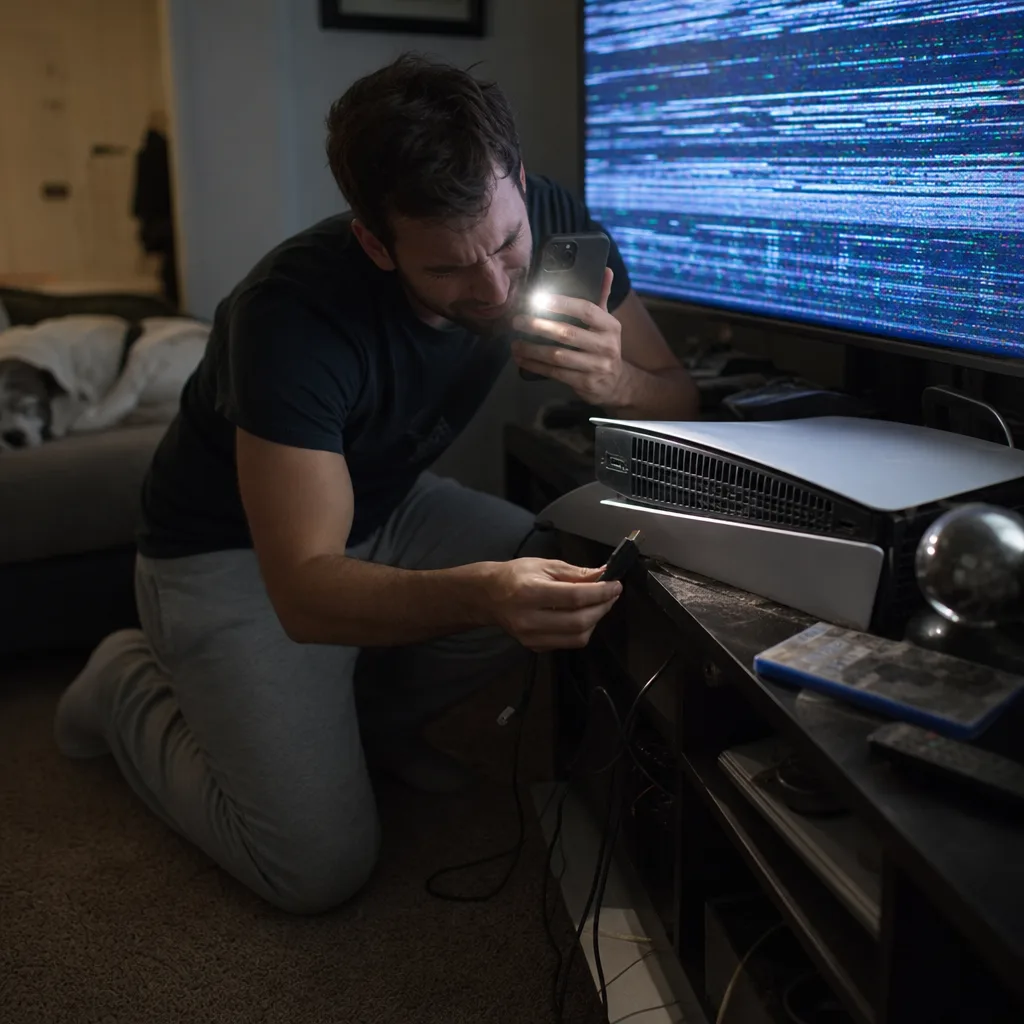
A black screen doesn’t always mean a broken port. We see plenty of PS5s come in that just needed a new cable. So before you worry about a costly repair, it helps to know what real port damage looks like.
The HDMI port on a PS5 is soldered right onto the motherboard. It’s small and packed with tiny pins. One hard yank on a cord can crack the solder or bend those pins flat.
Here are the signs that usually point to the port itself:
- The console powers on and the light turns white, but your TV says no signal.
- The picture flickers or cuts out when you touch or wiggle the cable.
- The plug feels loose, wobbly, or won’t click in all the way.
- You can see bent pins, a cracked shell, or something stuck inside the port.
- Sound drops in and out even when the picture looks fine.
One sign alone isn’t proof. Two or three together? That’s a strong clue.
Take a flashlight and look straight into the port. A healthy port has a neat row of pins and a centered plastic tab. If the tab looks pushed to one side, the port is damaged.
Rule out the easy stuff first. It takes about five minutes and could save you a trip.
- Swap in a different HDMI cable you know works.
- Try another HDMI input on your TV, or a different TV.
- Boot the PS5 into Safe Mode by holding the power button until the second beep.
- Pick Change Video Output and lower the resolution to see if a picture shows up.
If none of that brings back a picture, the port is the likely problem. But a few cases need a closer look. Sometimes the port looks perfect and the trouble sits on the board behind it. A small chip there handles the HDMI signal, and it can fail after a power surge. You can’t spot that with a flashlight, it takes testing at the bench.
Last winter a dad from Clintonville brought in his son’s PS5. The cord had snagged on a laundry basket and dragged the console off the stand. The port looked fine from the outside. Under the microscope, three pins were folded down and one solder joint had cracked loose. That’s a classic trip-and-pull injury.
And here’s the part most people don’t expect.
Forcing a cable into a damaged port makes things worse. Bent pins can touch each other and short out. We’ve had simple port jobs turn into motherboard repair because someone kept pushing the plug in. If it doesn’t slide in smoothly, stop.
At Just Phone Repair & Electronics, we check the port, the solder, and the board around it before we suggest anything. You’ll know exactly what’s wrong and why. No guessing. No pushing a fix you don’t need.
Repair vs. Replace: Is Fixing the Console Worth It
Most people ask us the same thing first. Should I just buy a new PS5? It’s a fair question. A dead HDMI port feels like a dead console. But in most cases, the console itself is fine. Only one small part has failed.
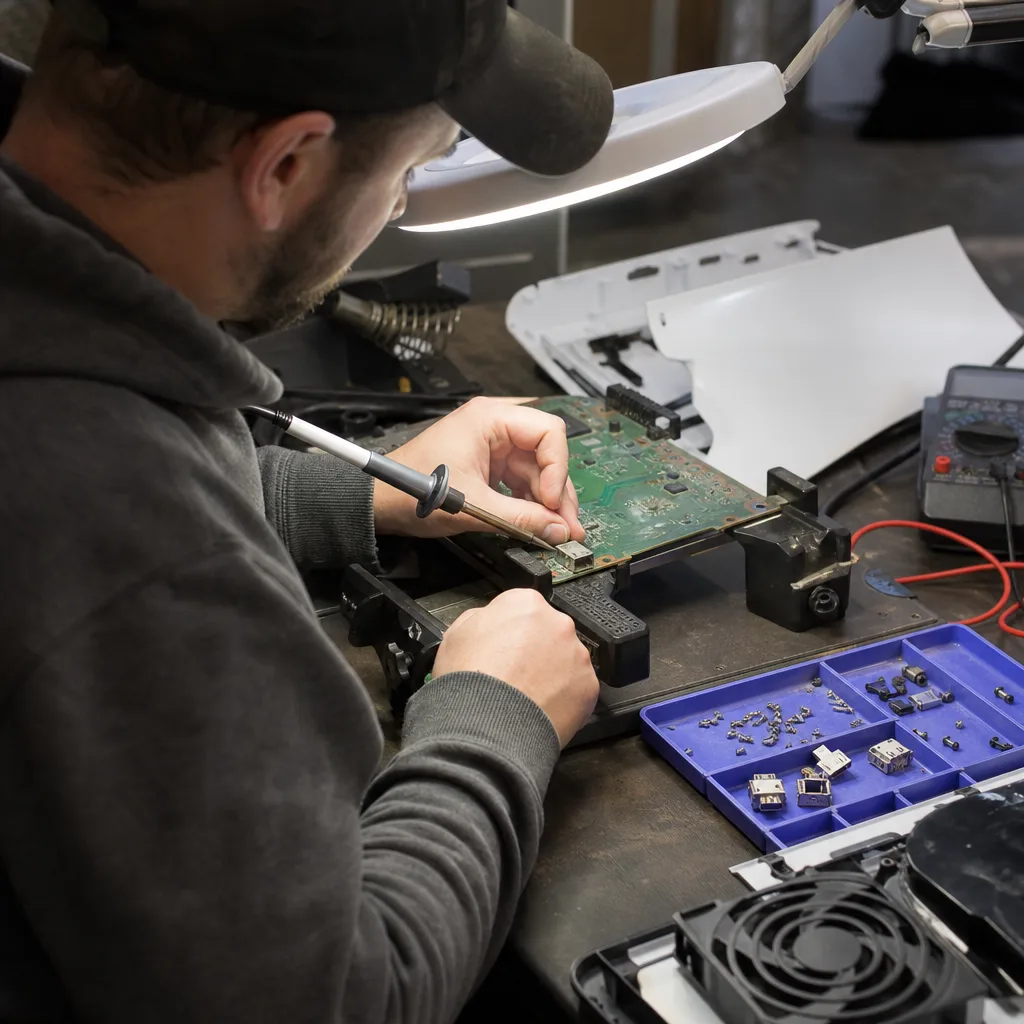
The HDMI port is a tiny metal connector soldered to the motherboard. When it breaks, the PS5 still powers on and still runs games. It just can’t send a picture to your TV. So the real question isn’t whether the console works. It’s whether that one connector can be swapped out cleanly.
Repair vs. replace comes down to what you keep. A port repair keeps your console, your settings, and usually your installed games right where they are. You skip the hours of downloads and the setup process.
Replacing means starting over. New hardware, a fresh setup, and a long wait for big game files to download again. Saves backed up to the cloud will carry over. Anything stored only on the console is another story.
We see this play out all the time at Just Phone Repair & Electronics. A customer from Clintonville came in last winter ready to give up on his PS5. His kid had tripped over the HDMI cable, and the port bent inward. He’d already priced out a new console online. After a diagnostic, we found the motherboard was healthy. We replaced the port and he was back to gaming with every install still in place.
That’s the most common outcome.
Still, repair isn’t always the right call. Use these questions to decide:
- Does the console power on? If the light comes on and you hear the fan, the board is likely alive. That’s a good sign for repair.
- Was there a drop, spill, or power surge? Liquid and surges can damage more than the port. A tech should check the HDMI chip and nearby parts too.
- Did someone already try to fix it? Past repair attempts can lift pads off the board. That adds microsoldering work but often isn’t the end.
- Do you have games or saves stored only on the console? Repair usually keeps that data in place. A new console won’t.
- Is the PS5 having other problems? Overheating or random shutdowns may point to a bigger issue worth checking at the same visit.
If you answered yes to the first question and no to the second, repair usually wins. Not every time. But most of the time.
Here’s what many owners don’t realize until they open a shop’s door. The HDMI port is one of the most repairable parts on a PS5. It’s a known weak spot, and a skilled tech has done the job many times. The hard part is the soldering, since the port sits close to small parts on the board. That’s why we treat every job as careful board-level work, not a quick part swap.
When the damage goes deeper, we’ll tell you straight. Sometimes a bad HDMI chip or a cracked board needs motherboard repair on top of the port. Sometimes a console just isn’t worth saving. You’ll hear that from us before any work starts, not after.
Columbus winters also play a small role. Dry indoor air builds static, and cold cables get stiff. Both make it easier to stress a port when you yank a cord or move the console between rooms.