What’s Covered on This Page
Confirm It’s the HDMI Port Before You Pay for Anything
No picture on the TV feels like a disaster. But it’s not always the port. We see PS5s come into our Columbus shop every week, and some of them work fine the moment we plug them in. The problem was a bad cable or a TV setting the whole time.
So before you book a PS5 HDMI port repair, take ten minutes and rule out the easy stuff. You don’t need tools. You just need a little patience and a second cable if you have one.
- Swap the HDMI cable. Use the one that came with your PS5 if you still have it. Cheap cables fail more often than people think.
- Try a different input on your TV. Then switch the TV source to match it.
- Plug the PS5 into a different TV or monitor. This tells you fast if the TV is the real problem.
- Boot into Safe Mode. Hold the power button until you hear a second beep, about seven seconds. Connect your controller with a USB cable and press the PS button.
- In Safe Mode, pick Change Video Output and lower the resolution. A bad resolution setting can look exactly like a dead port.
- Watch the light bar. A steady white light with no picture points toward a signal problem. A light that blinks and shuts off is usually something else.
Did the picture come back? Great. You just saved yourself a trip.
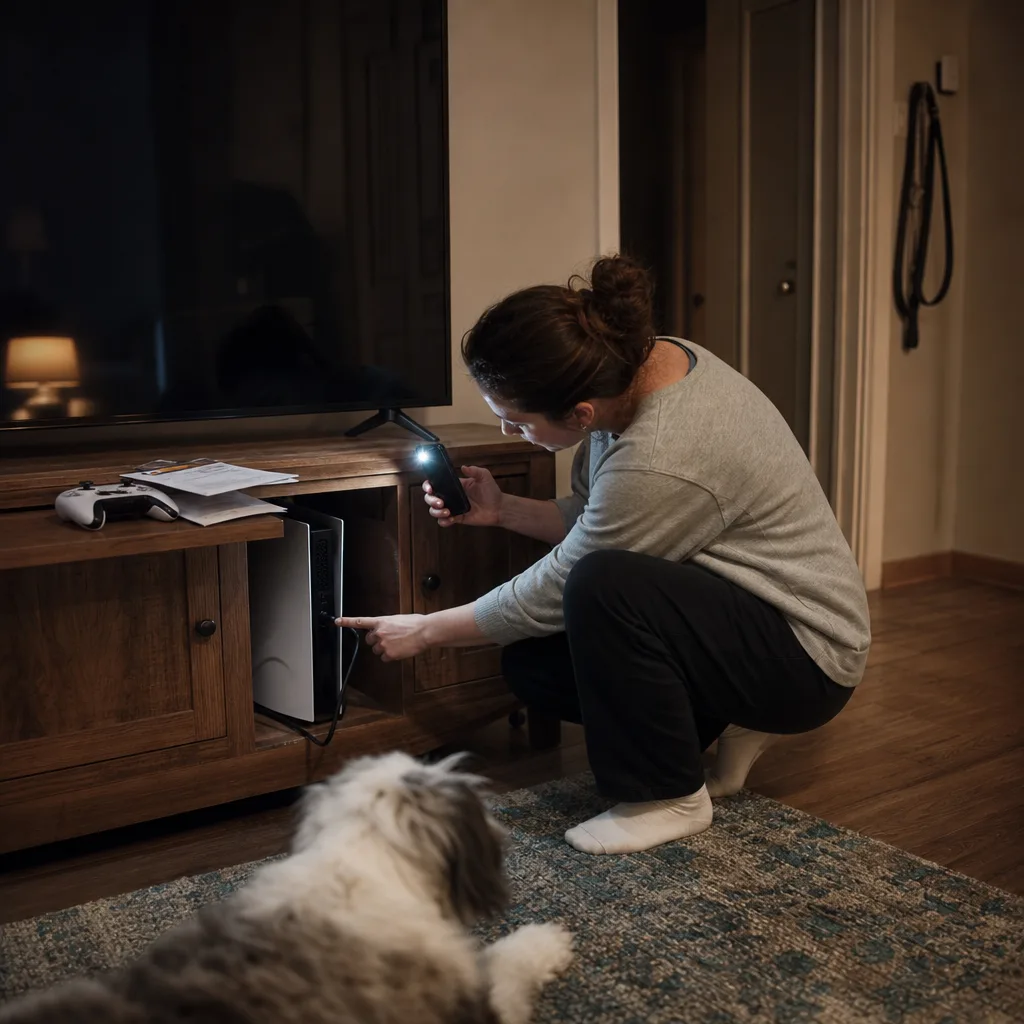
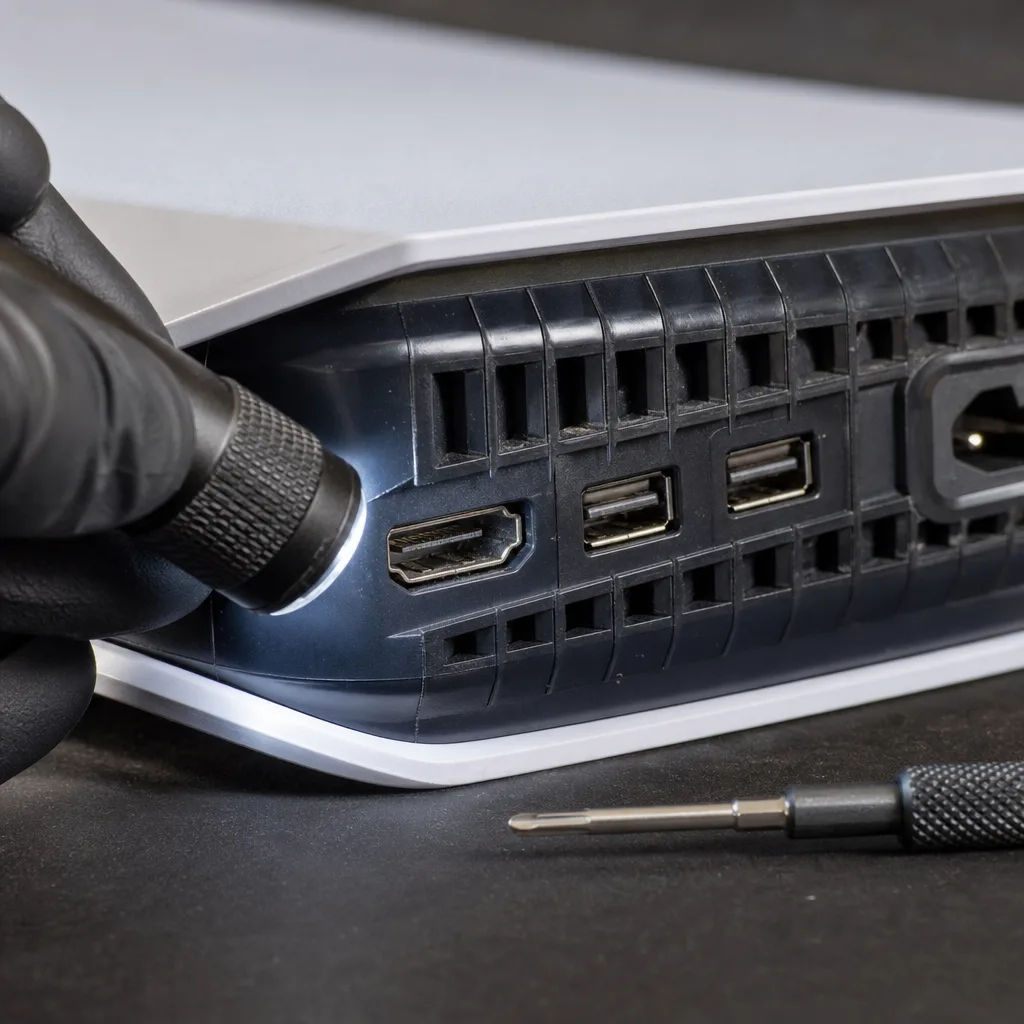
Still nothing? Then look closely at the port itself. Grab a flashlight and check the back of the console. Here’s what real port damage tends to look like:
- Pins inside the port that look bent, pushed in, or missing
- A port that wiggles or feels loose when the cable goes in
- A picture that flickers or cuts out when you touch the cable
- Dust, debris, or a dark burn mark near the opening
- A cable that won’t seat all the way, like something’s blocking it
Any of those signs is a strong clue. Not proof, though.
Here’s something most people don’t realize. The port can look perfect and the console can still have no video. The PS5 has a small chip on the motherboard that handles the HDMI signal. If that chip fails, the symptoms match a broken port. Swapping the port alone won’t fix it, the board needs microsoldering work instead.
We had a customer from Clintonville bring in a PS5 last winter. He’d already ordered a new port online and was ready to try it himself. Our diagnostic scan showed the port was fine. The fault was on the board. And if he’d pulled the old port first, he could have damaged the pads underneath and made the job much harder.
That’s why a proper diagnostic scan matters. It tells you what’s broken before anyone touches a soldering iron.
At Just Phone Repair & Electronics, we check the port, the signal path, and the board before we recommend anything. You’ll hear what we found in plain words. Then you decide what to do next.
Signs Your PS5 HDMI Port Needs Repair
Not every black screen means a broken port. That’s the first thing we tell people who walk into Just Phone Repair & Electronics in Columbus. A bad cable, a loose TV input, or a settings glitch can look exactly like port damage. So before you worry about PS5 HDMI port repair, it helps to know what real damage looks like.
Here’s what we look for when a PS5 lands on our bench. These signs point to the port itself, not your TV or cable.
- The console powers on and the light turns white, but there’s no picture at all.
- The picture flickers or cuts out when you touch the cable.
- The plug feels loose or wobbles inside the port.
- You can see bent, flattened, or missing pins with a flashlight.
- Sound comes through with no video. Or you get video with no sound.
- The port looks cracked or sits crooked in its opening.
One sign alone doesn’t prove much. Two or three together usually do.
Before you bring it in, try a few quick checks at home. They take about ten minutes. And they can save you a trip.
- Swap in a different HDMI cable. Use the one that came with your PS5 if you still have it.
- Plug into another HDMI input on your TV.
- Make sure your TV is set to the right input.
- Test the console on a different TV or monitor.
- Boot into Safe Mode by holding the power button until the second beep. Then pick the option to change video output.
Does the problem follow the console to every screen and every cable? Then the port is the likely cause. That’s the point where home fixes stop helping.
Last winter a dad from Clintonville brought in his son’s PS5. He’d tried three cables and two TVs. Nothing. Under the magnifier we found the center pins pushed flat, the console had slid off a shelf with the cable still plugged in.
We see that story a lot. It spikes every May and August when Ohio State students pack up their dorms. Consoles get tossed in bags with cords still attached. One tug at the wrong angle is all it takes.
Don’t keep plugging it in.
The HDMI port on a PS5 is soldered right to the main board. It has dozens of small connections packed close together. Replacing it takes microsoldering skill, steady hands, and the right tools. But the port isn’t always the only problem. Sometimes a small chip near the port gets damaged too, so we test that during every diagnosis.
Our tip from years of bench work is simple. If you spot bent pins, unplug the cable and leave it out. Store the console flat. Then get it looked at by someone who does PS5 HDMI port repair every week.
Why HDMI Port Repair Costs More Than a Simple Part Swap
Most people picture an HDMI port that just unplugs and swaps out. It doesn’t work that way. On a PS5, the HDMI port is soldered straight onto the motherboard. That one detail changes everything about the job.
The port itself is a small, cheap part. The real work is getting the old one off without hurting the board, then putting a new one on cleanly. So when you get a quote, you’re mostly paying for skill and time. The part is a small slice of it.
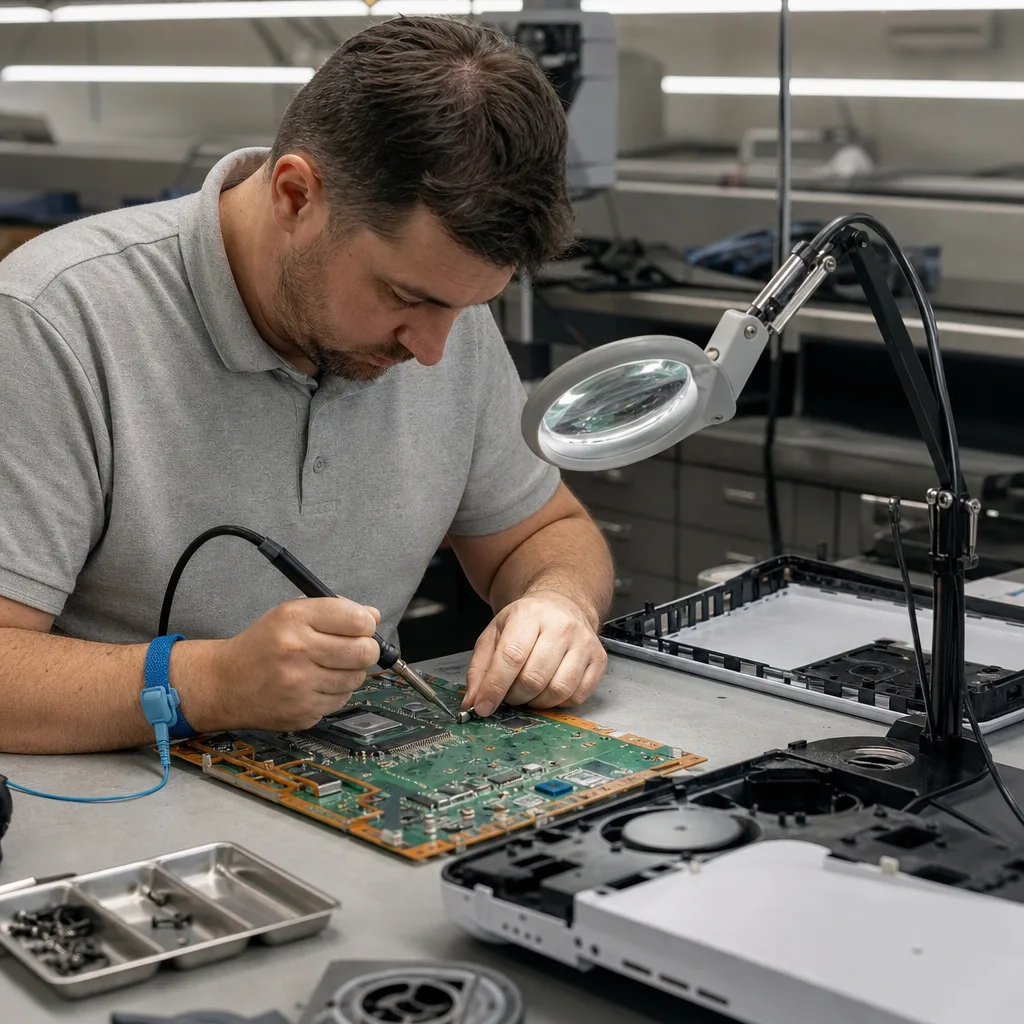
Here’s what happens on our bench at Just Phone Repair & Electronics during a PS5 HDMI port repair:
- Full teardown. The console comes apart down to the bare motherboard, including the fan and shielding.
- Board prep. We clean the area and add flux so the old solder melts evenly.
- Port removal with hot air. The PS5 uses lead-free solder, and it needs more heat to let go.
- Pad cleanup and inspection under a microscope. Every tiny contact gets checked for damage.
- New port install. Each pin gets soldered by hand with steady, careful work.
- Reassembly and real testing on a TV. We check picture, sound and a stable signal before it goes home.
That’s a lot of steps for a port the size of your fingernail.
The trickiest part is the pins. A PS5 HDMI port has rows of tiny legs packed close together. Too little heat and the port won’t budge. Too much and you can lift the copper pads right off the board, the console then needs extra repair work. That’s why microsoldering experience matters so much here.
And sometimes the damage goes deeper than the port. If a cord got yanked hard, the pads or the thin traces under them can tear. We fix those by running tiny jumper wires to rebuild the connection. It’s slow work. But it can save a board that looks hopeless.
We see this one all the time. A console comes in after a home repair try with a cheap soldering iron. Burnt pads. Bridged pins. A job that would’ve been routine is now a motherboard repair. Why does that matter to you? Because the cheapest fix is almost always the one done right the first time.
Here’s a real example. A student near the Ohio State campus brought in a PS5 that went black mid-game. A roommate had tripped over the HDMI cable. The port looked bent, so we expected a standard swap. Under the microscope, two pads had cracked loose too. We rebuilt them, replaced the port and tested it on a 4K screen. It worked, but that extra step added bench time – and we walked the owner through why before doing it.
That’s how a fair shop should handle it. You get a clear diagnosis first. You hear what’s wrong and why. Then you decide.
One more thing people don’t expect. Not every no-signal PS5 has a bad port. Sometimes the HDMI chip near the port has failed instead. A good diagnostic scan sorts that out early. So you don’t pay to replace a port that was never the problem.