What’s Covered on This Page
Confirm This Is a True No-Power Issue Before Booking Repair
If you’re looking for Xbox series s no power repair in Westerville, the first question is whether the console has stopped turning on or simply isn’t showing a picture. That difference matters. A black screen alone doesn’t tell us the Xbox has a power fault. Once the symptoms point to a true no-power issue, an assessment can help you decide whether repair makes sense. Just Phone Repair & Electronics is at 4971 N High St in Columbus.
Think about what happens when you press the power button. Does the button light up at all? Do you hear a startup sound? Does it come on briefly and then shut off? Those details are more useful than saying it won’t work, because they describe different problems. A console that starts and quickly goes dark isn’t acting the same way as one that shows no response at all.
A blank TV screen can also hide signs that the Xbox is running. If you can see a light on the console or hear it start, tell us that when you ask about repair. Don’t assume it needs power repair just because nothing appears on the TV. HDMI port replacement is a separate Xbox service we offer, but the symptoms need to be assessed before anyone can say whether the port is involved.
The history helps too. Did the console stop responding all at once, or did it sometimes turn on before it quit? Had it been moved or disconnected? What have you already noticed about its power cord, outlet, and display connection? You don’t need to know which part failed. A short account of what changed helps keep the conversation focused on the fault you have.
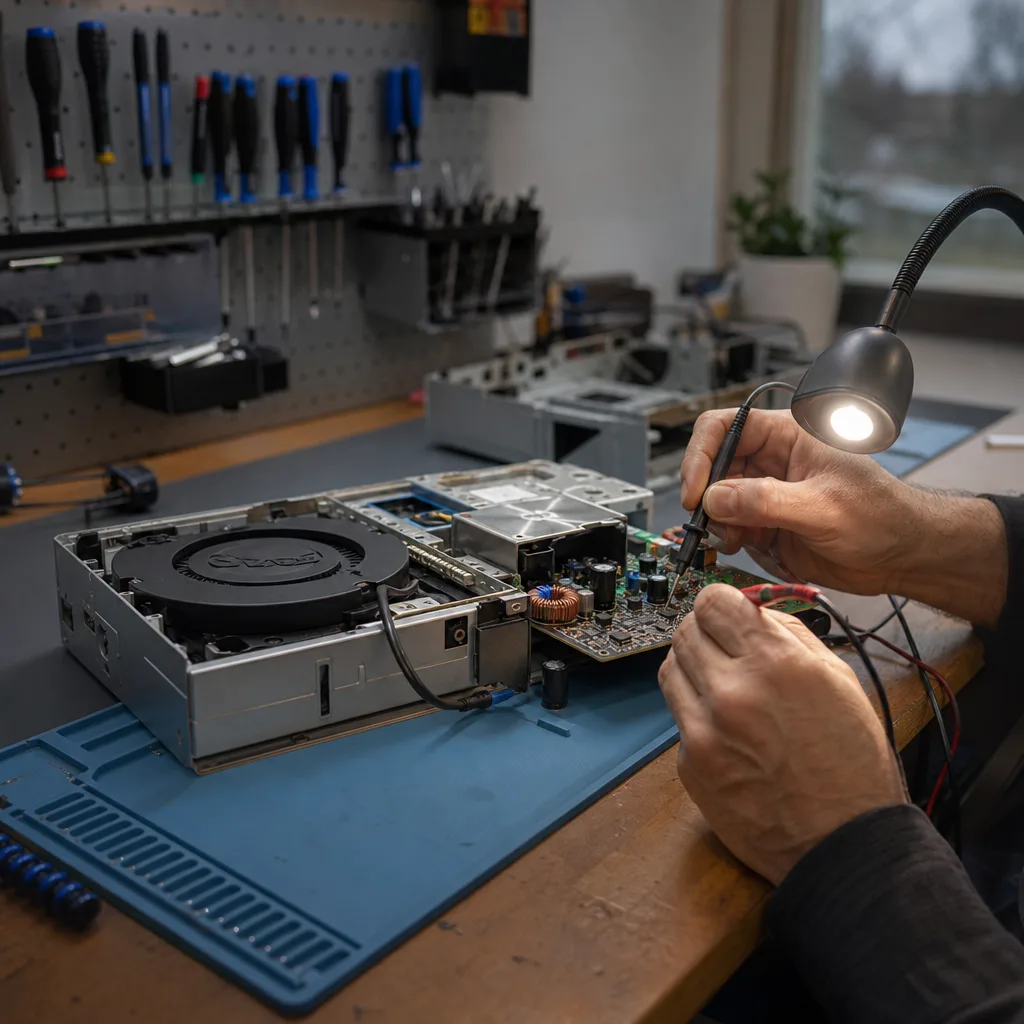
If it shows no sign of starting, that still doesn’t identify the failed part. The problem could be in the power path or elsewhere inside the console. Our owner assesses devices and explains repair options and pricing. His experience includes microsoldering and motherboard repair, which matters when a no-power fault isn’t obvious from the outside. The useful starting point is simple: tell us exactly what the Xbox does, and what it doesn’t do, when you try to turn it on.
Common Internal Causes of Xbox Series S No Power
When an Xbox Series S won’t turn on, it’s tempting to blame the power supply. That’s one possibility, but it isn’t the only one. Power has to move through several parts before the console can start. A fault at any point can leave it unresponsive, so the useful question isn’t just does it need a new power supply. It’s where does power stop.
The internal power supply takes electricity from the wall and provides the power the console needs. If it fails, the Xbox may not start at all. But a console with no light or sound hasn’t proved that the supply is bad. Replacing it without finding the fault could leave you with the same problem.
Power also has to pass through connections and circuits inside the Xbox. Damage or a poor connection along that path can interrupt startup even when the power supply itself works. From the outside, those faults can look alike. That’s why the exact part can’t be identified by pressing the button and watching for a light.
Some faults are on the motherboard. A failed component or a short can keep the circuits needed for startup from working. A short means electricity is taking a path it shouldn’t. The console may stay off rather than start normally. Board-level faults can involve small parts, so they call for a different repair decision than swapping a larger part.
The startup controls can be involved, too. The Xbox must respond to the power-button command before it can complete startup. If that signal doesn’t get through, the result may resemble a failed power supply. That doesn’t mean the button is the likely culprit in every unresponsive console. It means the outward symptom alone can’t separate a control fault from a power fault.
These differences matter when you decide whether repair is worthwhile. A replaceable part and a fault on the motherboard aren’t the same job. The location of the failure affects what work may be needed, and a repair shouldn’t be described as a simple part swap before that failure is known. At Just Phone Repair & Electronics, our owner has experience with microsoldering and motherboard repair, which is relevant when the cause goes beyond a larger, replaceable part.
You don’t need to name the failed component before bringing in your Xbox. In fact, choosing a part based only on the lack of a power light can send you in the wrong direction. The point of assessing a true no-power issue is to find the fault first, then explain the repair option and pricing for the problem found.
Why a No-Power Xbox Often Is Not Dead for Good
An Xbox Series S that won’t respond can feel like a total loss, but no power doesn’t tell you whether the whole console is beyond repair. The decision depends on what’s failed, what it would take to fix it, and whether that work makes sense to you. That’s why finding the fault comes before deciding to replace the console.
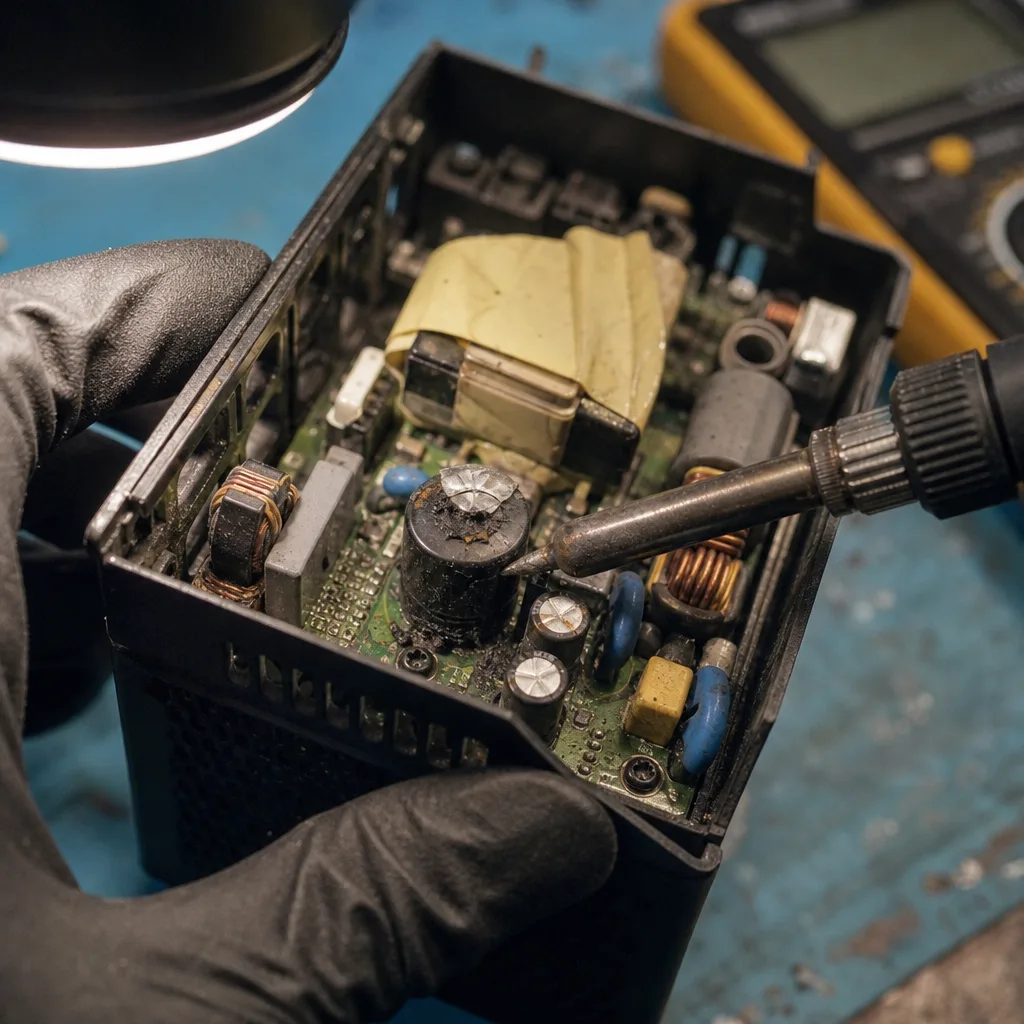
A fault in one repairable area may leave the rest of the console usable. In that case, repair may be a reasonable way to keep the console you already have. The same outward symptom can also come from more extensive damage, where the work is harder to justify. Until the fault is identified, neither outcome is certain. We won’t treat an unresponsive power button as proof that the console is done for good.
What matters is the scope of the work, not just whether a repair is technically possible. A straightforward part replacement and detailed motherboard work can require very different amounts of labor. Access to a suitable part can matter, too. If you’re weighing repair against replacing the console, ask what was found, what work is proposed, and what the total price would be before you decide. You shouldn’t have to approve a repair based on a guess about which part failed.
You might also care about keeping this particular console rather than starting over with another one. Say it shut off without warning after months of normal use. It’s understandable to want a clear answer before giving up on it, especially if you’ve kept the console in good condition. That history is useful context, but it can’t promise a simple fix. The condition of the parts inside is what determines whether a practical repair option is available.
At Just Phone Repair & Electronics, our owner assesses devices and explains repair options and pricing. His experience with microsoldering and motherboard repair is relevant when a no-power fault calls for more than replacing a larger part. It doesn’t mean every board can or should be repaired. If the needed work doesn’t make sense for you, that’s an important answer as well.
The goal is a decision you can make with your eyes open: what failed, whether it can be repaired, and whether the proposed work is worth it to you. A silent console doesn’t answer those questions by itself. An assessment can.
Ready when you are – get in touch today.
Get Instant Quote Now. JUST PHONE REPAIR & ELECTRONICS is ready to help.
When No Power Is Not the Right Repair for Your Console
Not every Xbox that looks dead needs internal no-power repair. If a wall outlet has lost power or a power strip is switched off, the console can’t start even if nothing inside it has failed. A disconnected power cord can cause the same confusion. If the Xbox starts and keeps working once power is restored, there’s no evidence from that incident that the console needs repair.
It also matters how you’re trying to turn it on. If the console responds to its own power button but not to the controller, the Xbox isn’t showing a no-power fault. You may still have a problem to sort out, but an internal power repair doesn’t match what you’ve observed. The distinction is easy to miss when your usual way of starting a game suddenly stops working.
As covered above, a blank TV screen isn’t the same as a silent console. A wrong TV input or a loose display connection can leave you looking at a black screen while the Xbox itself is on. If the picture returns when that outside issue is resolved, repairing the console’s power system wouldn’t help. Even if the picture stays blank, the fact that the console turns on is worth keeping separate from the display problem.
A shutdown after the Xbox has been running is different, too. It doesn’t prove the power supply has failed, and it doesn’t tell you which part, if any, needs work. Notice whether it happened once or keeps happening, and whether the console starts again afterward. Those details describe the problem more accurately than calling every shutdown no power. A console that turns on and then stops needs a different question answered than one that never responds at all.
You don’t need to pick a repair based on the most alarming moment, whether that’s a dark screen, an unresponsive controller, or a console that went off mid-game. What happened next matters. If the console now powers on and works normally after an outside issue was corrected, it’s reasonable to leave internal no-power repair off your list. That isn’t a missed repair. It’s the right decision when the console itself hasn’t shown a fault.
What Happens During a No-Power Diagnostic and Repair
The first useful step is an assessment, not ordering a part. Tell us whether your Xbox Series S gives any response when you press its power button, and whether that changed over time. If it briefly starts before going off, say so. That detail helps distinguish your problem from a console that never responds. You don’t have to diagnose it yourself or know the names of the parts inside.
At Just Phone Repair & Electronics, our owner assesses devices and explains repair options and pricing. For a no-power console, the point of that conversation is to connect the proposed work to the fault found. If you’re told a part needs replacing, you can ask why that part is suspected. If the issue calls for motherboard work, you can ask what the work involves. A clear explanation gives you something better to base your decision on than a guess made from the symptoms alone.
Repair work depends on where the fault is. It might involve a larger replaceable part, or it might call for work on small parts of the motherboard. Our owner’s experience with microsoldering and motherboard repair is relevant to that second kind of job. It doesn’t mean every fault is repairable. If the assessment points to more than one possible cause, the honest answer is that the cause needs to be narrowed down before anyone can describe a definite fix.
Pricing depends on the work the fault requires. A part replacement and a board-level repair aren’t the same job, so an estimate shouldn’t be treated as interchangeable between them. Before you decide, make sure you understand what repair is being proposed and its price. Our owner explains options and pricing and provides updates. If anything about the proposed work is unclear, ask before deciding whether to go ahead.
The outcome you care about is more than a power light flashing once. You want to know whether the console can start and remain on, and whether the original symptom has been resolved. Ask what was found and whether the console powered on after the work. If repair isn’t practical, that’s still a useful result from an assessment: you’ll know why, rather than replacing parts in the hope that one of them works.